
Bring in books
Your reading life, gathered.
The books you already own, the highlights you already made, the shelves you already keep — brought into one private place, without handing over a password or learning how any of it works.
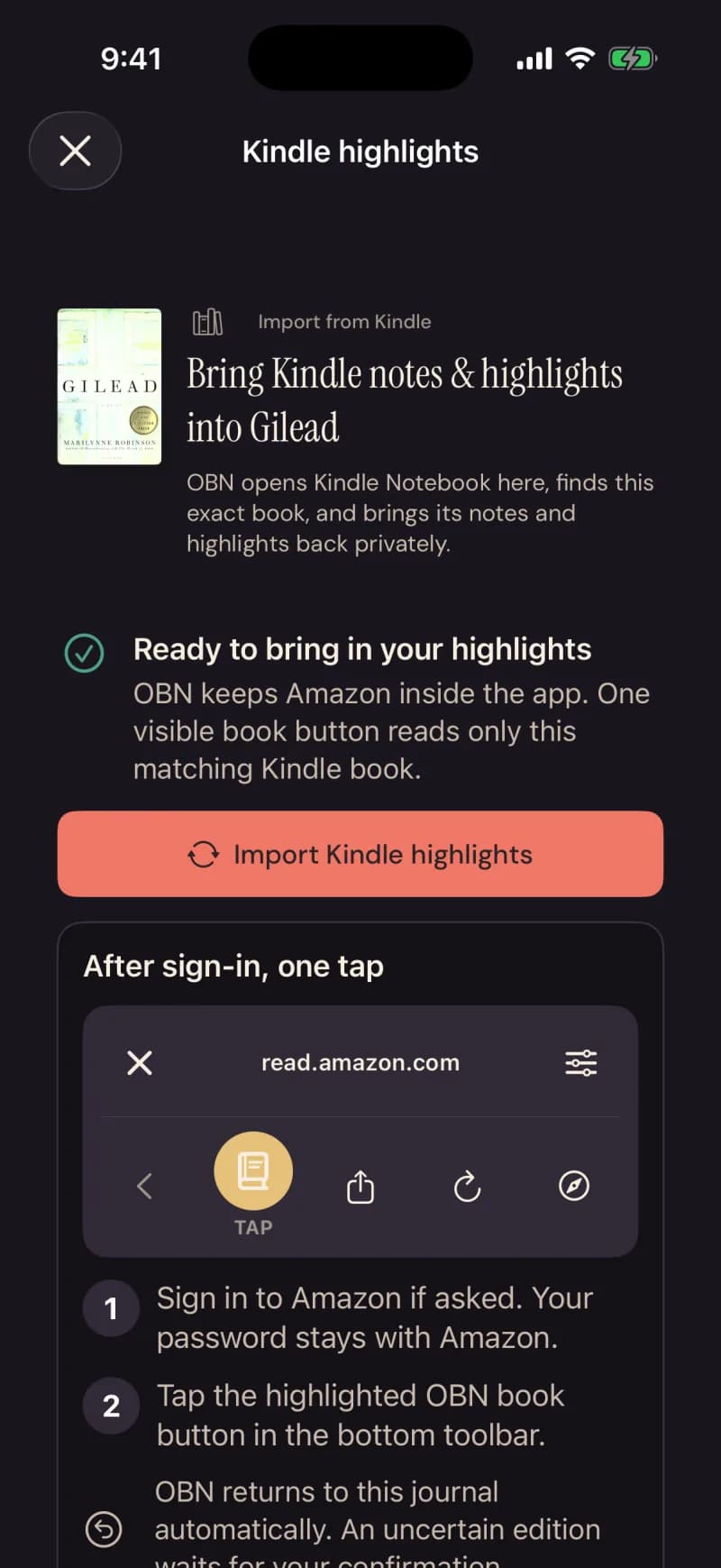
In these screens the app calls itself OBN — short for Our Book Nook.
Three ways in.
Connect once.
Readwise and Google Play Books connect one time, show you what they hold, and refresh only the books you chose. Calibre sends the rows you select, from Calibre itself.
Share what you exported.
Goodreads, StoryGraph, BookWyrm, Kobo, Libby, Apple Books and Fable hand over an export or a share, and Nook reads it on your device before anything crosses.
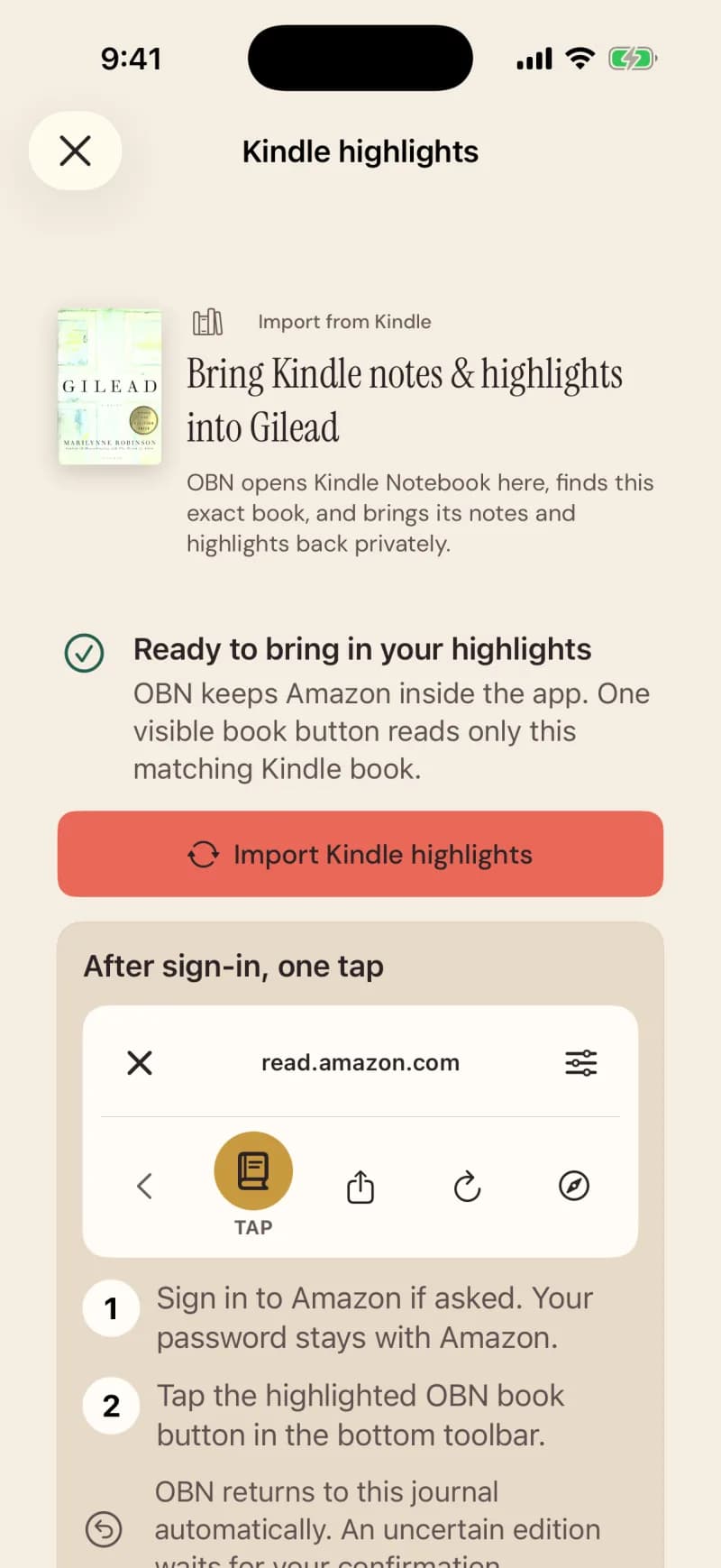
The Kindle way.
Amazon has no highlights API, so Nook opens Amazon’s own page inside the app. From a book’s journal, one tap brings that book’s highlights in. From your profile, Bring in from Kindle shows your Kindle library, and the books you tick come onto the shelf with their highlights in one visit.
Every source.
A source reads as available only while it is switched on in production. Until then it’s arriving: built, and being proven with real libraries.
- KindleOn iPhoneAvailable now
- ReadwiseOn the webOn iPhoneAvailable now
- GoodreadsOn the webOn iPhoneAvailable now
- StoryGraphOn the webOn iPhoneAvailable now
- Google Play BooksOn iPhoneAvailable now
- Apple BooksOn iPhoneAvailable now