
Goodreads
On the webOn iPhoneFifteen years of shelves, in one afternoon.
Available now
Goodreads stopped issuing API keys in 2020, but it still lets you export your whole library as a file. Nook reads that file on your device, shows you your books as covers, and brings in the ones you choose.
Your ratings, reviews and dates come with them, but never over the top of anything you’ve already said in Nook.
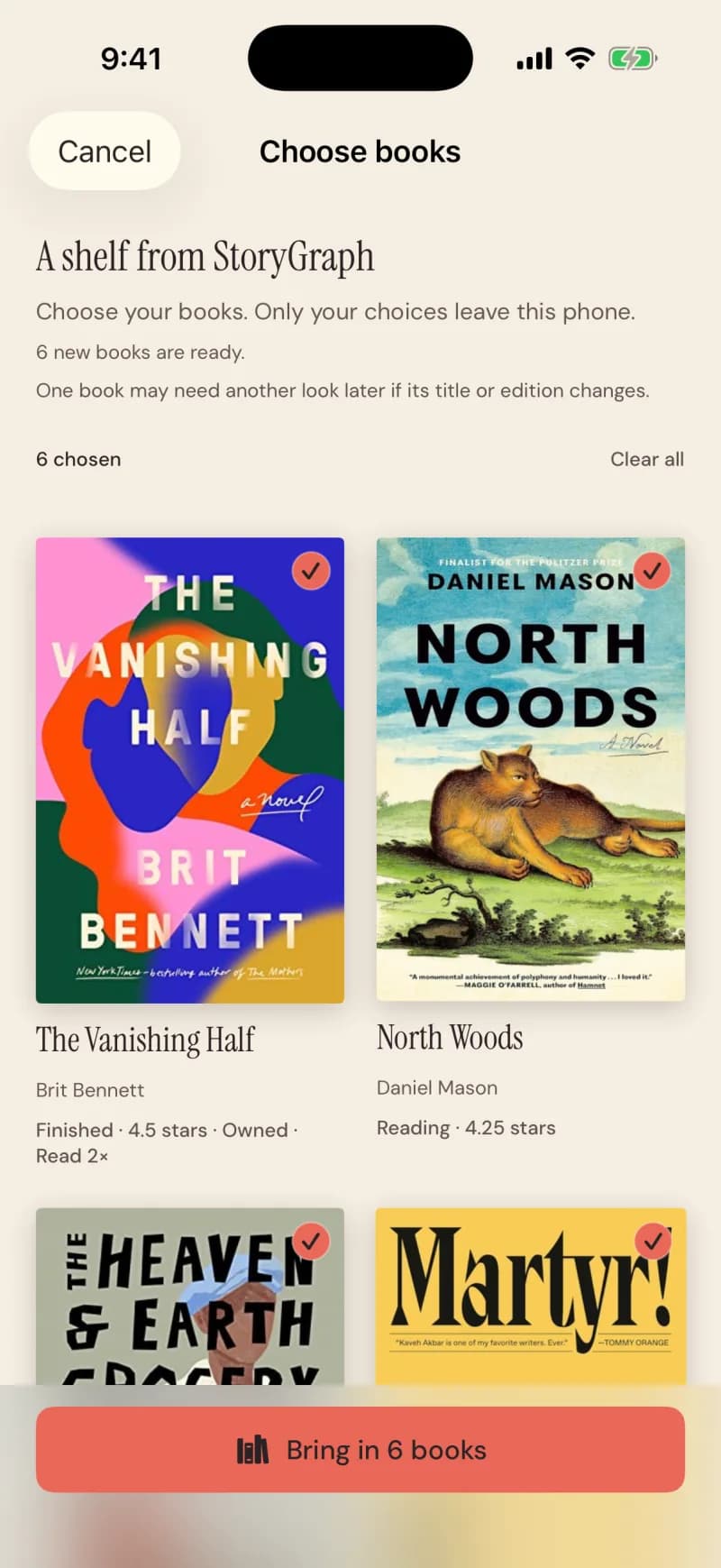
Shown with a StoryGraph export; Goodreads and BookWyrm use the same screen.
Steps
- In Goodreads: My Books, then Import and export, then Export Library.
- Open the file with Nook — on the web, choose the file; on iPhone, share it from Files.
- Every book starts selected. Tap any you’d rather leave.
- Tap Bring in N books.
What comes across
What stays private
Good to know
- Books land on your own shelf, not in any club.
- Up to 10,000 books in one export; a large one is applied in the background.