
StoryGraph
On the webOn iPhoneEvery mood, pace and reread, kept as you tagged it.
Available now
StoryGraph’s export carries more than a shelf — moods, tags, content warnings, rereads, the dates of each reading. Nook reads all of it on your device and keeps it as StoryGraph’s facts, beside your own.
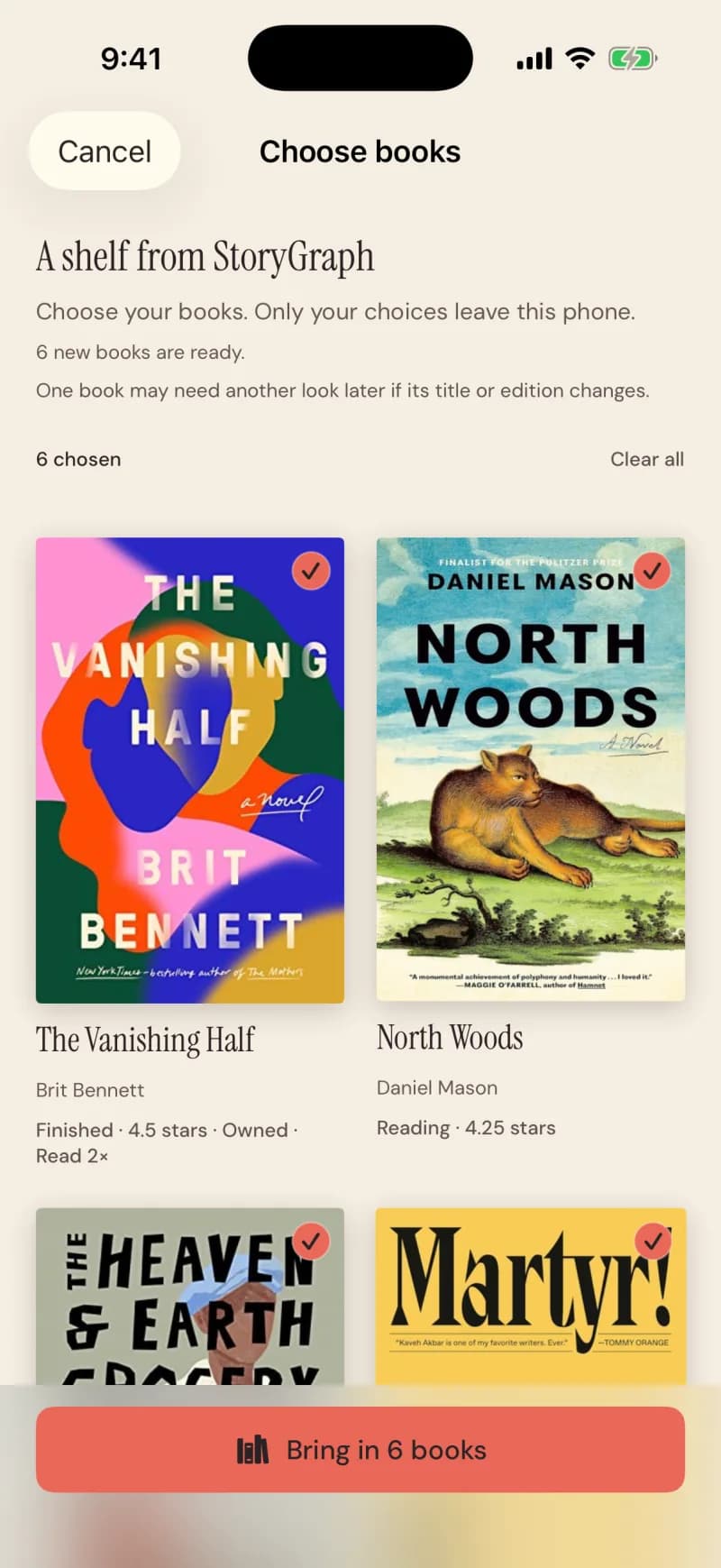
Steps
- On iPhone, open StoryGraph from Nook and sign in there if asked.
- Nook asks StoryGraph for a fresh export and opens it automatically. On the web, choose your downloaded export.
- Every book starts selected. Tap any you’d rather leave.
- Tap Bring in N books.
What comes across
What stays private
Good to know
- Books land on your own shelf, not in any club.
- Up to 10,000 books in one export; a large one is applied in the background.